Loading amazing content...
Loading amazing content...
Download free Discord profile banners in perfect 600x240px resolution
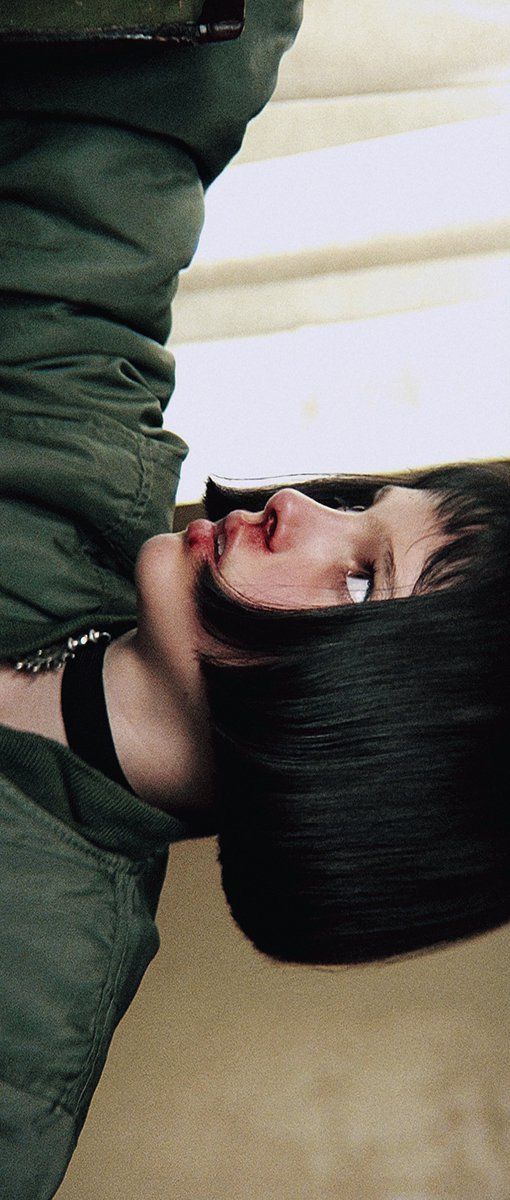
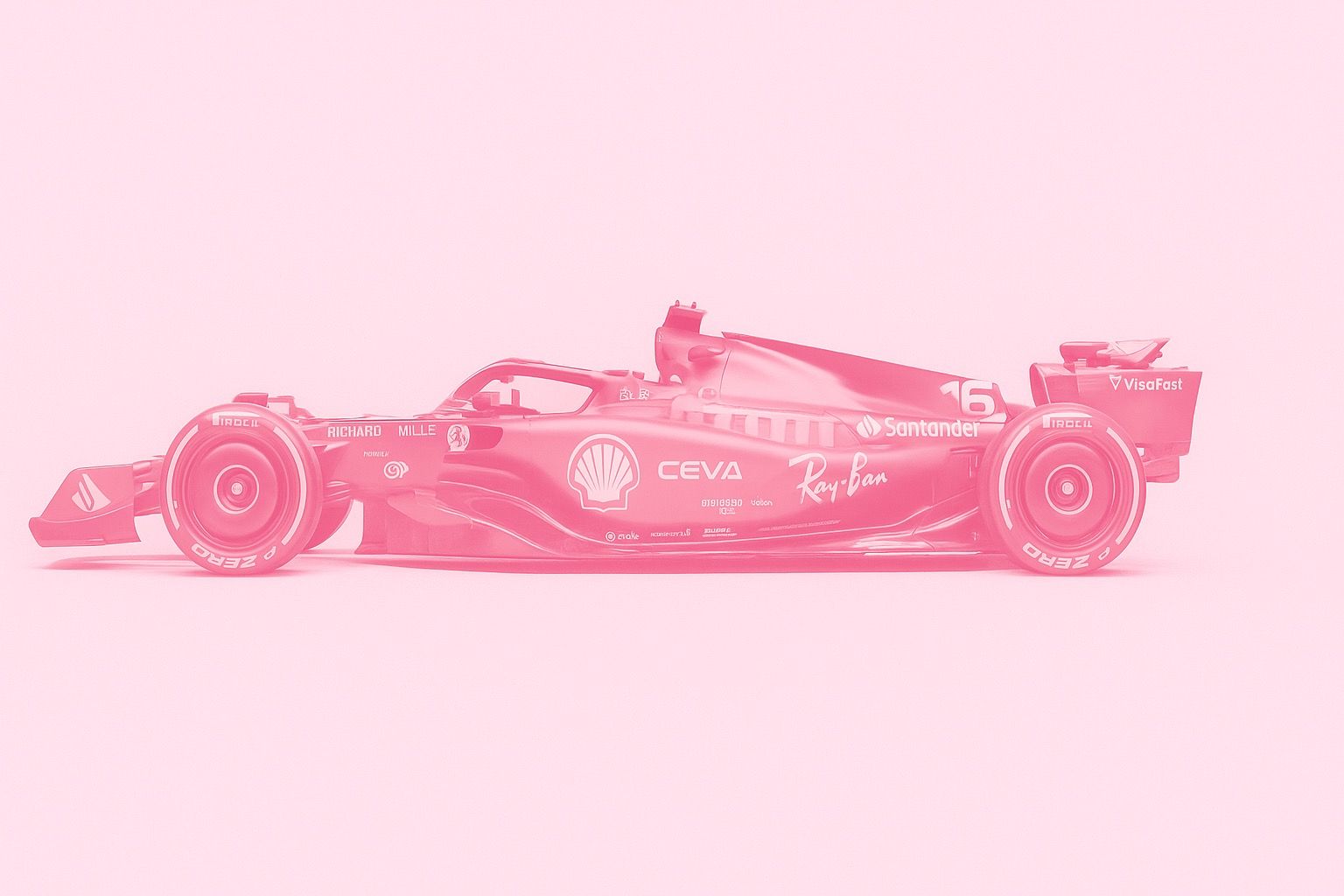
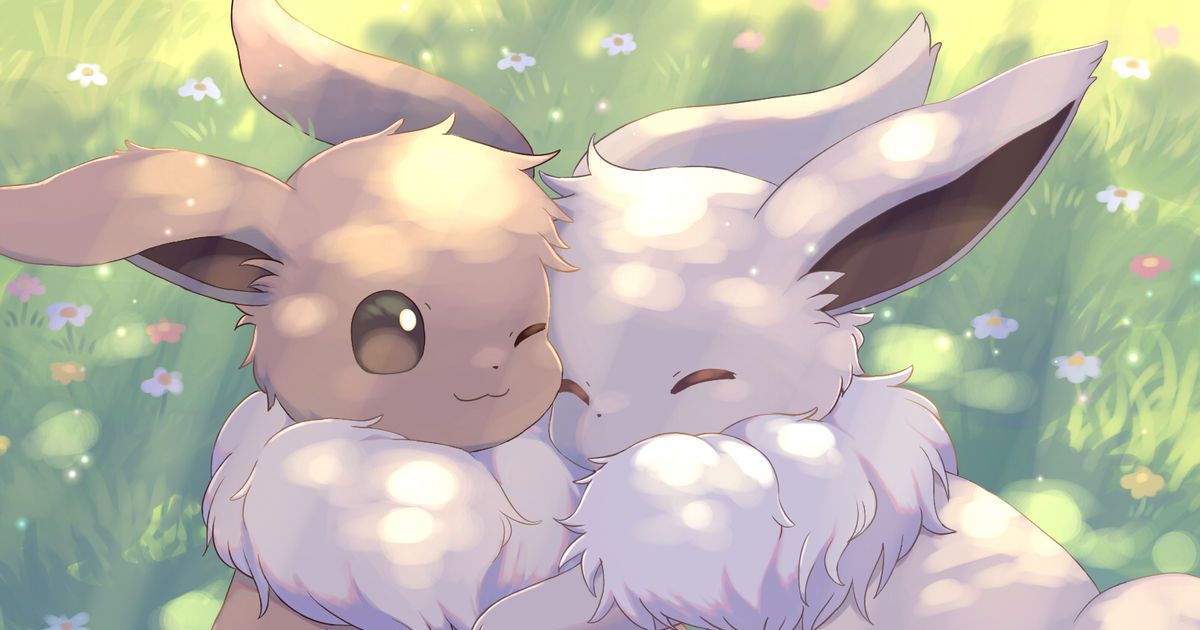
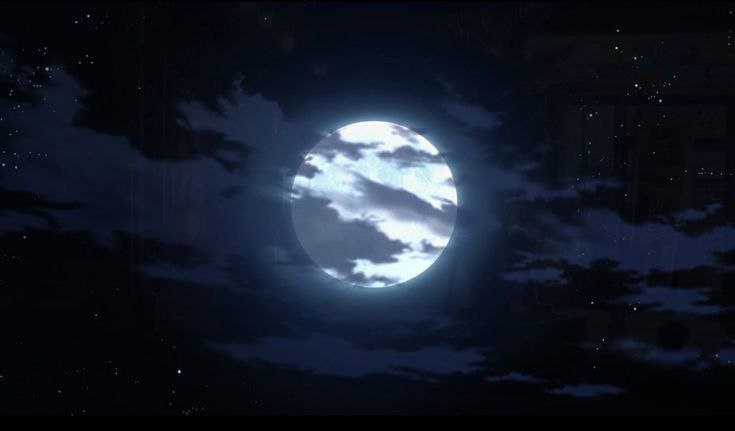
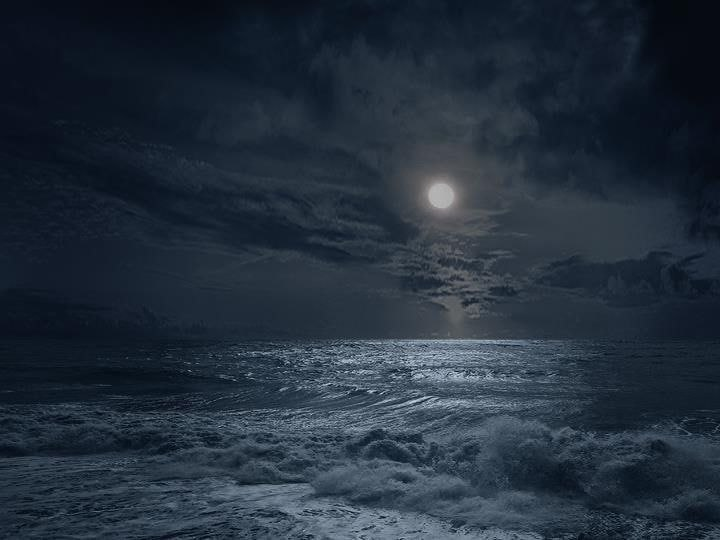
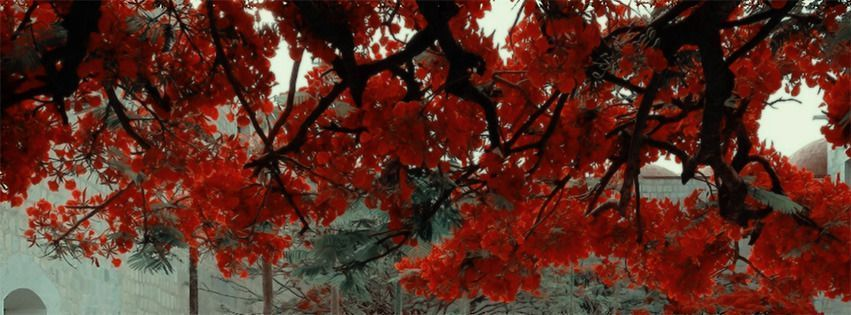
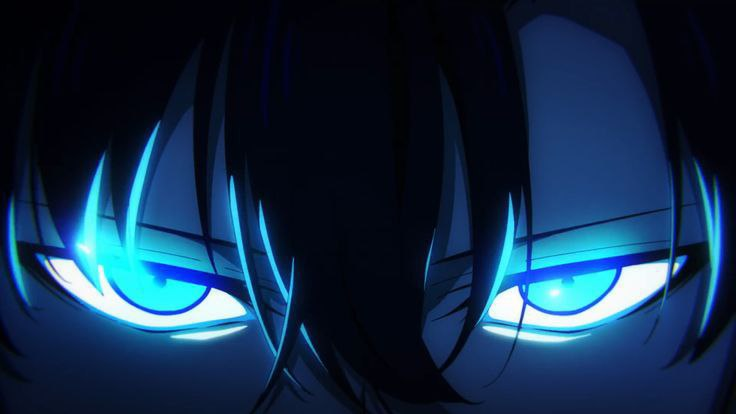
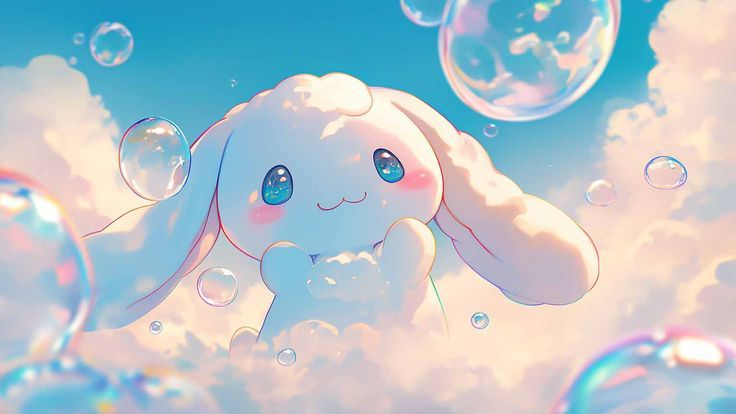
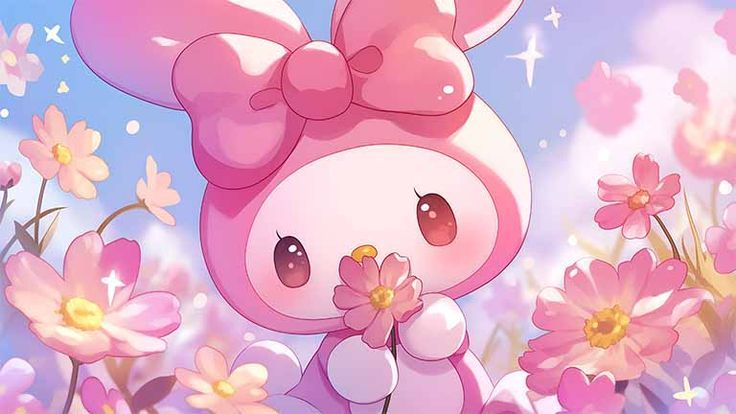
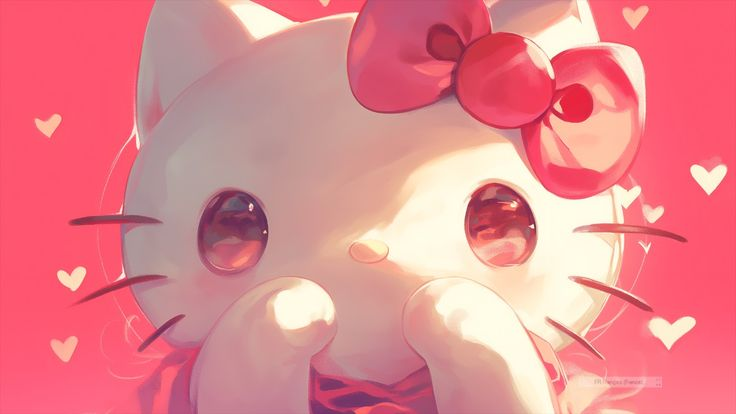
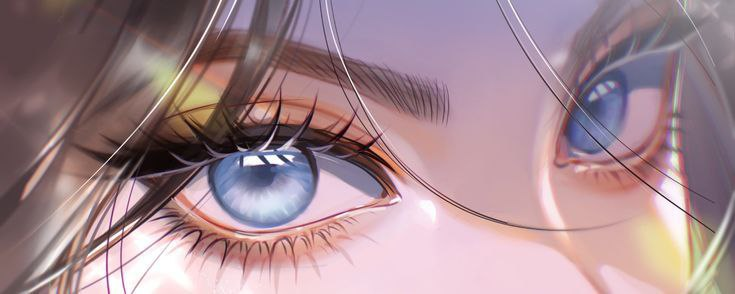
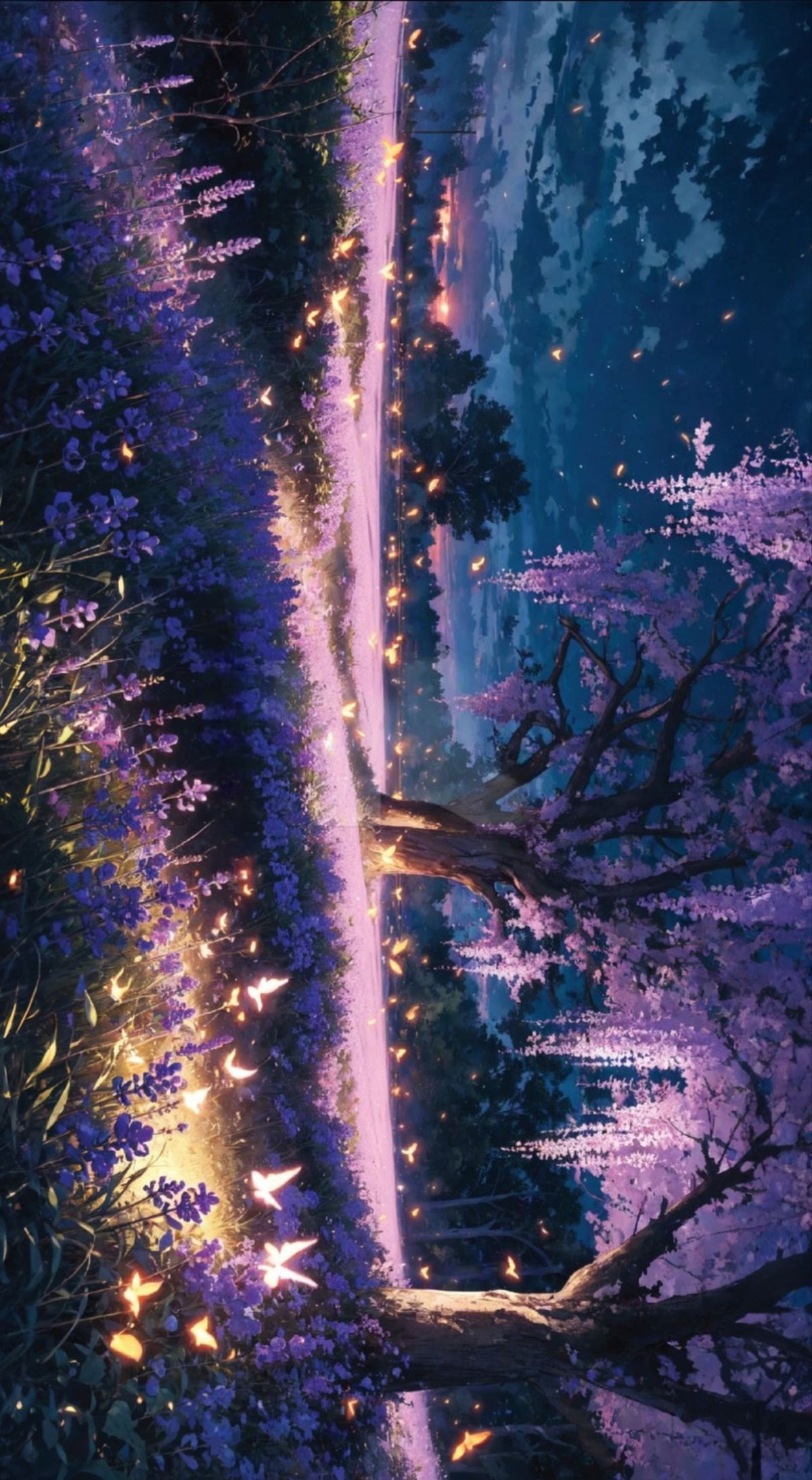
Your Discord profile banner is the large image displayed behind your avatar when someone clicks on your profile. It's one of the most visible parts of your Discord identity — and it requires Discord Nitro to set. If you already have Nitro, not using a banner is leaving one of the best customization features on the table.
All banners in our collection are pre-sized to the correct 600x240px resolution, so they display perfectly without distortion or awkward cropping. Download instantly — no watermarks, no account needed.
Discord profile banners have specific requirements. The ideal dimensions are 600x240 pixels, which gives you an aspect ratio of 5:2. Both static images (PNG, JPG, WebP) and animated GIFs are supported, but animated banners require full Discord Nitro ($9.99/month). Nitro Basic ($2.99/month) supports static image banners only.
One important design tip: the bottom-left corner of your banner is partially covered by your profile picture and status indicator. Avoid placing key elements (like faces or text) in that corner, or they'll be obscured when people view your profile.
The most polished Discord profiles use a banner and PFP that work together visually. There are a few popular approaches:
Our collection covers every aesthetic: anime scene banners, dark and moody gradients, nature landscapes, abstract art, gaming-themed headers, and soft aesthetic pastel backgrounds. New banners are added regularly — check back or use the search bar to find exactly what you need.